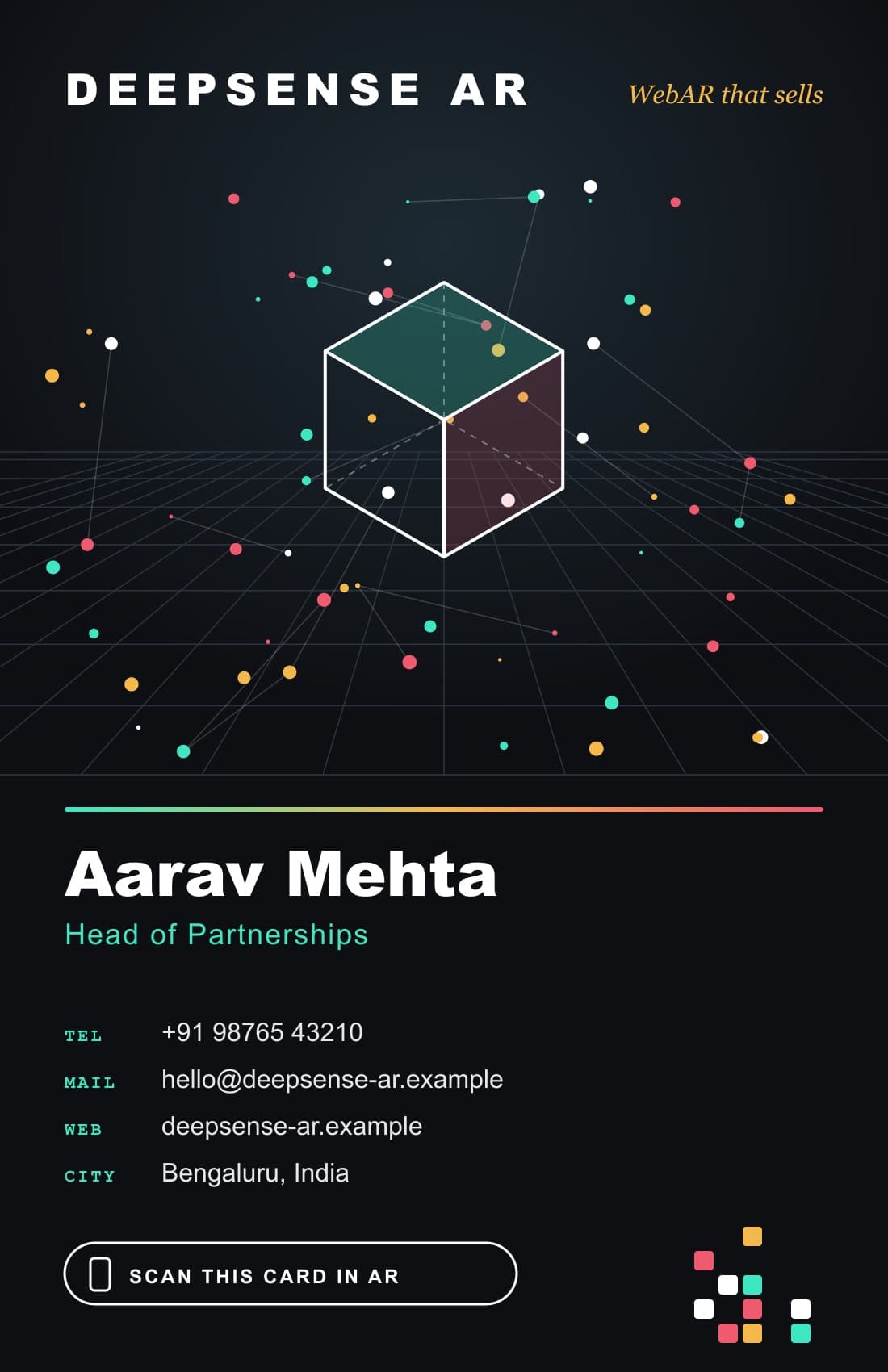
Aarav Mehta · Head of Partnerships
A business card
that talks back.
Point a phone at the card and it says hello: who this is, plus one-tap call, WhatsApp, email and website right above the card. Save the contact to your phone or book a meeting without typing a thing.
Start scanning- 1
Show the card
Print it, or keep it open full screen on a laptop or tablet.
- 2
Open the scanner
Tap Start scanning on your phone, or scan the QR code.
- 3
Point at the card
Save the contact, tap to call or WhatsApp, or book a meeting.